



Organize your photos and reduce their resolution to use them in emails and files
The amount of images and photos that we generate nowadays thanks to digital cameras is immense. And manufacturers insist on offering cameras with more and more megapixels, the result of which are immense images with enormous resolutions, a considerable size and the need to reduce them. To do this we can use an application like VSO Image Resizer.
Change the size of your photos and pictures
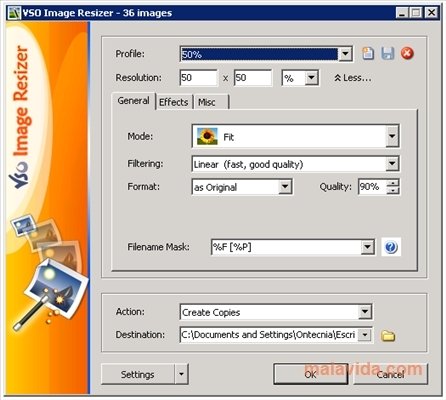
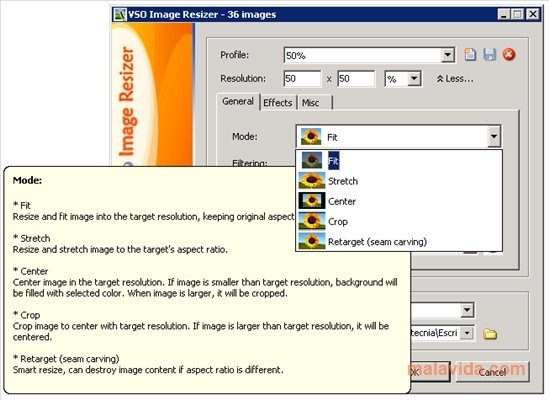
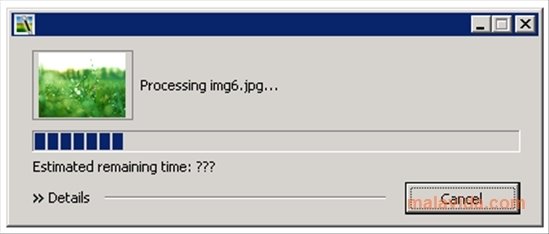
This program, that has the sole mission of resizing photos, only needs the user to indicate which photographs he/she needs resized and set a configuration for the resulting photo, and it will automatically resize all of them in a matter of seconds.
Furthermore, VSO Image Resizer integrates completely with the Windows Explorer, giving us direct and quick access to the application's resizing options by simply selecting the images and choosing the option that appears in the context menu that appears when we use the right button of the mouse.
Among its options, VSO Image Resizer includes preset sizes for many devices, like iPhone or the PSP, so that regardless of the images, this application will directly resize them to the specific size we want.
 Leticia Sorivella
My name is Leticia. I really like movies, television, and music. That is why I studied Audiovisual Communication. In the beginning, I wanted to work in movies, but I ended up on television. Then, I went from being behind the cameras to being in...

Antony Peel